How to Pair a Galaxy Watch with a Galaxy Phone
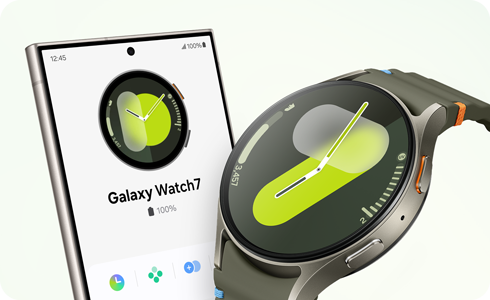
How to Pair a Samsung Galaxy Watch with Your Galaxy Phone
To pair your Samsung Galaxy Watch with your Galaxy phone, ensure both devices have Bluetooth enabled and follow the on-screen prompts. This process allows seamless synchronization of health data, notifications, and app functionality between your devices.
1. How to Pair Your Galaxy Watch with a Galaxy Phone
Follow these steps to pair your Galaxy Watch with your Galaxy phone:
- Turn on your Galaxy Watch and select your preferred language from the initial setup screen.
- Place your Galaxy Watch near your Galaxy phone, ensuring Bluetooth is enabled on both devices.
- Tap Connect when a pop-up appears on your phone indicating a new device has been detected.
- Follow the on-screen instructions to complete the pairing process.
- Note: During the initial pairing, your Galaxy Watch battery may drain faster due to data syncing, such as contacts and app configurations.
2. Why Pairing May Not Work
- Bluetooth is disabled: Ensure Bluetooth is turned on for both devices to detect each other.
- Device compatibility issues: Verify that your Galaxy phone and Galaxy Watch support each other's software versions.
- Network interference: Weak or unstable Wi-Fi signals can disrupt the pairing process.
3. Supported Samsung Galaxy Devices
The Galaxy Watch is compatible with most Samsung Galaxy devices, including:
- Galaxy S24, S25, S26 series
- Galaxy Z Fold and Galaxy Z Flip series
- Galaxy A series devices running Android 8.0 or later
4. Additional Things to Check
If pairing fails, try these troubleshooting steps:
- Restart both your Galaxy Watch and Galaxy phone.
- Ensure your devices are within close proximity during pairing.
- Update your Galaxy Watch and phone to the latest software version.
- Check for any pending app updates in the Galaxy Store or Google Play Store.
5. Related Samsung Support Topics
Thank you for your feedback!
Please answer all questions.