Galaxy Tab S10 Refresh Rate Explained
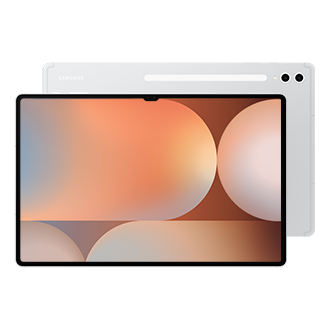
What Is the Refresh Rate of the Galaxy Tab S10 Series Displays?
The Samsung Galaxy Tab S10 series supports a maximum refresh rate of 120Hz, allowing for smooth visuals and responsive touch interactions. Users can manually adjust the refresh rate between 60Hz and 120Hz through the Display settings to balance performance and battery efficiency.
1. How to Adjust the Refresh Rate on Your Galaxy Tab S10
To customize the display refresh rate on your Galaxy Tab S10, follow these steps:
- Open the Settings app on your tablet.
- Navigate to Display.
- Select Motion Smoothness.
- Choose one of the following options:
- Adaptive: Automatically adjusts the refresh rate up to 120Hz for smoother animations and scrolling while optimizing battery usage.
- Standard: Limits the refresh rate to 60Hz, which helps conserve battery life but may result in less fluid motion.
2. Why Does the Refresh Rate Matter?
A higher refresh rate, such as 120Hz, provides a more responsive and visually smooth experience, especially when scrolling through content, playing games, or watching videos. However, maintaining a lower refresh rate like 60Hz can extend battery life, making it ideal for users who prioritize power efficiency over display performance.
3. Supported Samsung Galaxy Devices
The refresh rate adjustment feature is available on the following Galaxy Tab S10 series models:
- Galaxy Tab S10
- Galaxy Tab S10+
- Galaxy Tab S10 Ultra
4. Related Samsung Support Topics
Thank you for your feedback!
Please answer all questions.