Fix No Picture on One Connect Box
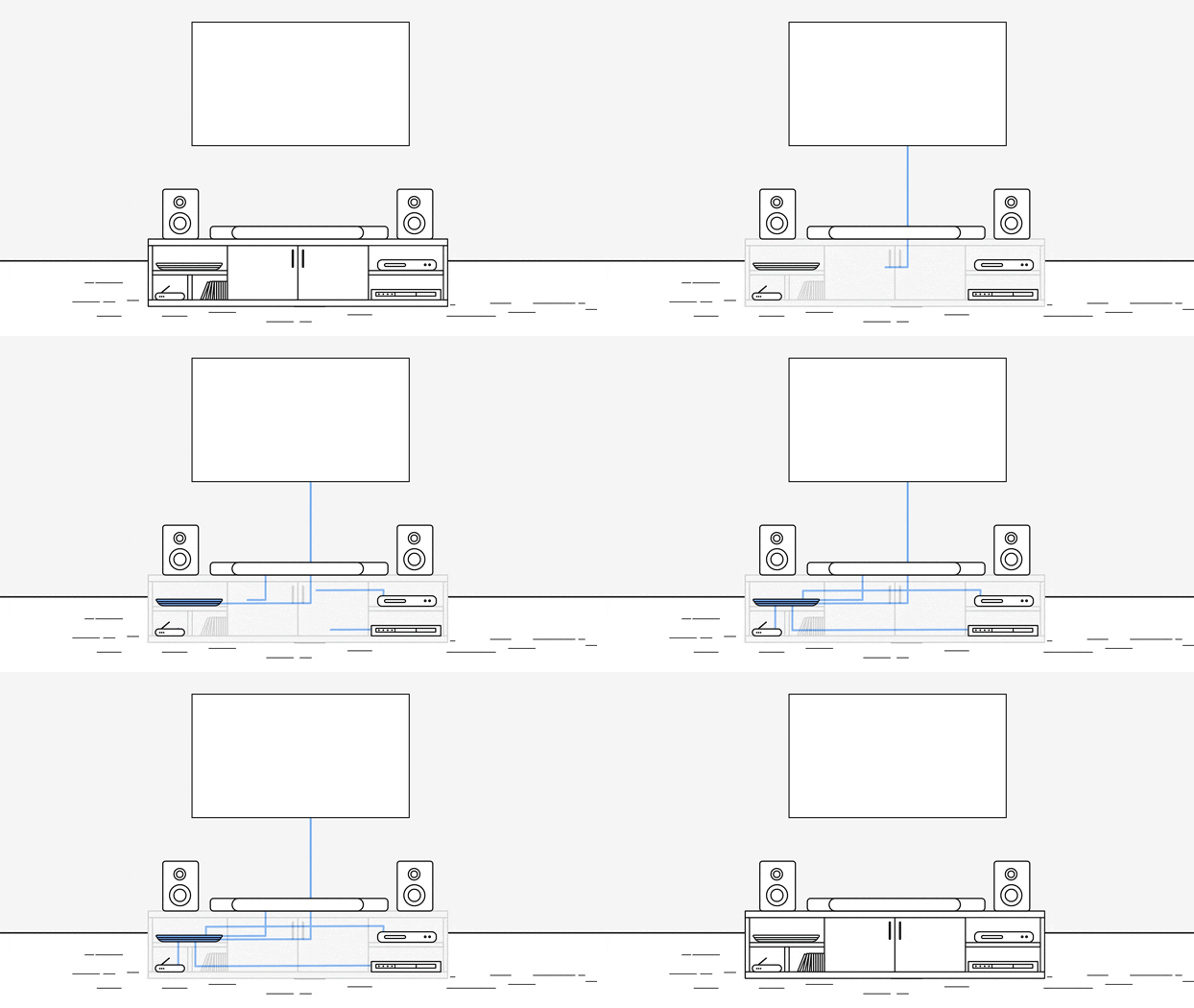
1. Why is my Samsung TV not showing a picture with the One Connect Box?
No-picture issues with the One Connect Box often stem from physical connections, power issues, or incorrect settings. Follow these steps to troubleshoot:
2. Check the One Connect Cable Connection
Ensure the One Connect cable is securely attached and undamaged. This cable, also known as the invisible cable in some models, should not be broken, kinked, squeezed, bent, or have objects resting on it. If damaged, replace the cable.
3. Power Cycle the One Connect Box
Unplug the One Connect Box from its power source and from the One Connect cable. Wait a few moments, then reconnect both ends firmly. Check if the TV shows any message or picture. If it does, the One Connect Box might need replacing.
4. Verify TV Source Settings
Ensure your TV is turned on and set to the correct source. For example, if your cable box is connected to HDMI 1, make sure the TV source is set to HDMI 1 and the cable box is powered on.
5. Reconnect All Cables
Unplug and reconnect each cable one at a time from both ends. If any cables are damaged, replace them. After reconnecting, turn on the external device and see if the picture returns.
6. Use the HDMI Cable Test Feature
Some TVs have an HDMI cable test feature. To use it:
- Go to Settings > Support > Device Care > Self Diagnosis > Signal Information.
- Select HDMI Cable Test and then Start Test.
- If the test indicates the cable is faulty, replace it.
7. Test Different External Devices or Ports
Test different external devices or use a new source port. If the TV displays an image with another device or configuration, the issue may lie with the original device or port.
8. Additional Things to Check
- Ensure the One Connect Box is within range of the TV and not obstructed.
- Check for firmware updates for the One Connect Box and TV.
- Verify that the external device (e.g., cable box) is functioning correctly.
9. Supported Samsung TV Models
This guide applies to Samsung TVs with a One Connect Box, including models from the QLED, Neo QLED, and Micro LED series.
10. Related Samsung Support Topics
Thank you for your feedback!
Please answer all questions.