How can I use gestures with the Galaxy Ring?
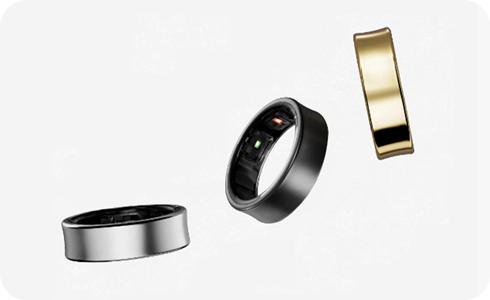
How to Use Double Pinch Gestures with Samsung Galaxy Ring
You can use double pinch gestures with your Samsung Galaxy Ring to dismiss alarms, take photos, or start recording videos. This feature requires enabling gestures in the Galaxy Wearable app and performing a quick double pinch motion with your thumb and ring-wearing finger.
1. How to Enable Double Pinch Gestures on Galaxy Ring
- Open the Galaxy Wearable app on your connected smartphone.
- Tap the dashboard button and ensure your Galaxy Ring is connected. If not, select it from the device list.
- Navigate to Gestures in the app settings.
- Turn on the double pinch gesture option to activate the feature.
- Test the gesture by performing a quick double pinch motion with your thumb and the finger wearing the ring while holding your hand steady.
2. What Can I Do with Double Pinch Gestures?
- Dismiss alarms: Perform a double pinch gesture to stop an alarm without touching your phone.
- Take photos or videos: Use the gesture while the camera app is open to capture moments hands-free.
3. Supported Samsung Devices and Software Requirements
The Galaxy Ring's double pinch gesture feature is compatible with devices running One UI 6.1.1 or later. Ensure your Galaxy smartphone and Galaxy Ring are updated to the latest software versions for optimal functionality.
4. Why Double Pinch Gestures Might Not Work
- Incompatible software: Your device must run One UI 6.1.1 or later to access the gesture settings.
- Conflicting Galaxy Watch settings: If double pinch gestures are enabled on a paired Galaxy Watch, the feature will be disabled for the Galaxy Ring.
5. Additional Things to Check
- Ensure your Galaxy Ring is properly worn and secure on your finger.
- Keep your hand steady while performing the gesture to avoid misinterpretation.
- Verify that the Galaxy Wearable app is updated to the latest version.
Related Samsung Support Topics
Thank you for your feedback!
Please answer all questions.